
One application, two storefronts, one kitchen
You get listed on the portal, you get your own address, and orders land in the system you already use. No commission on orders.
- Listing
- Your own storefront address
- Order flow
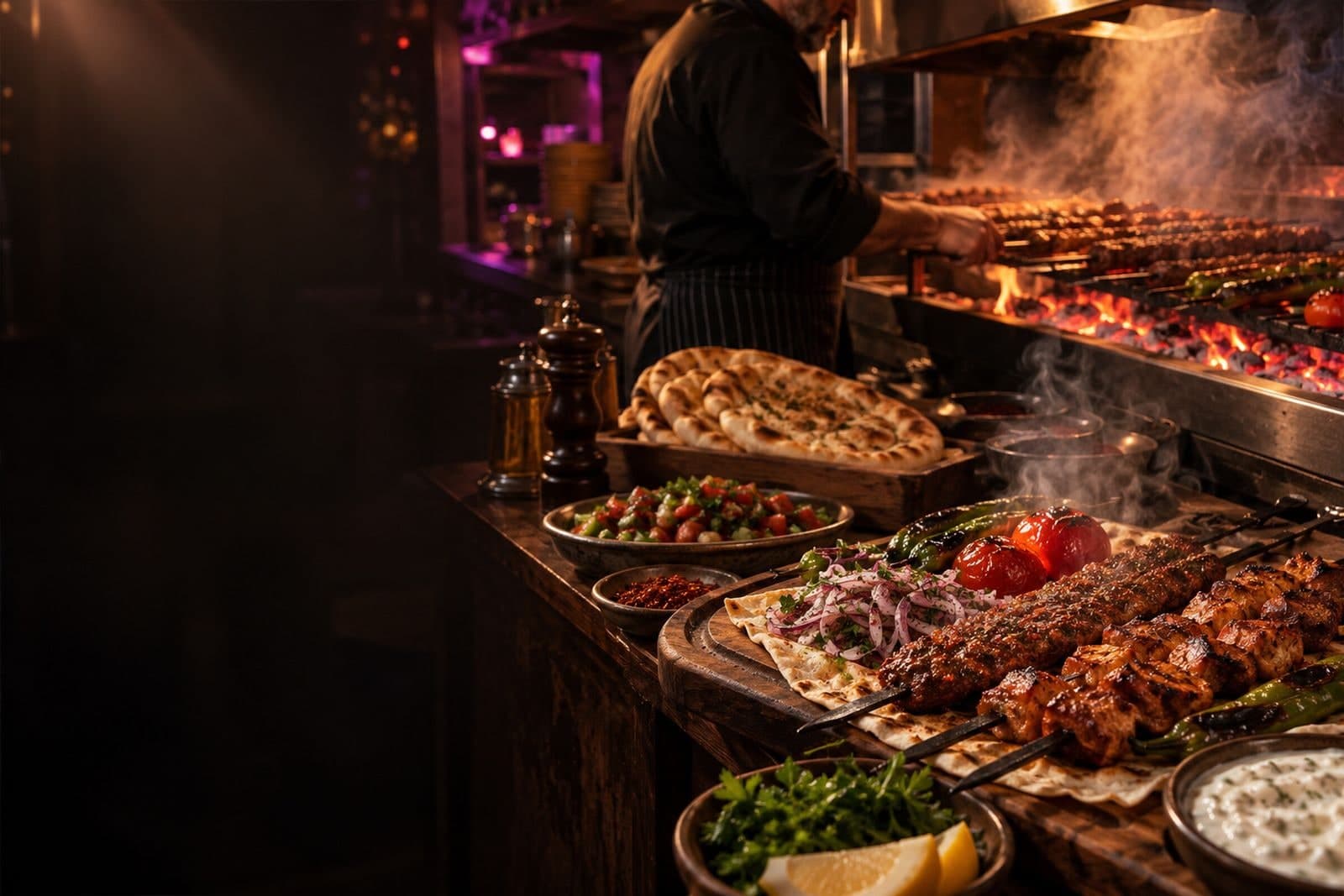
straight to your table.
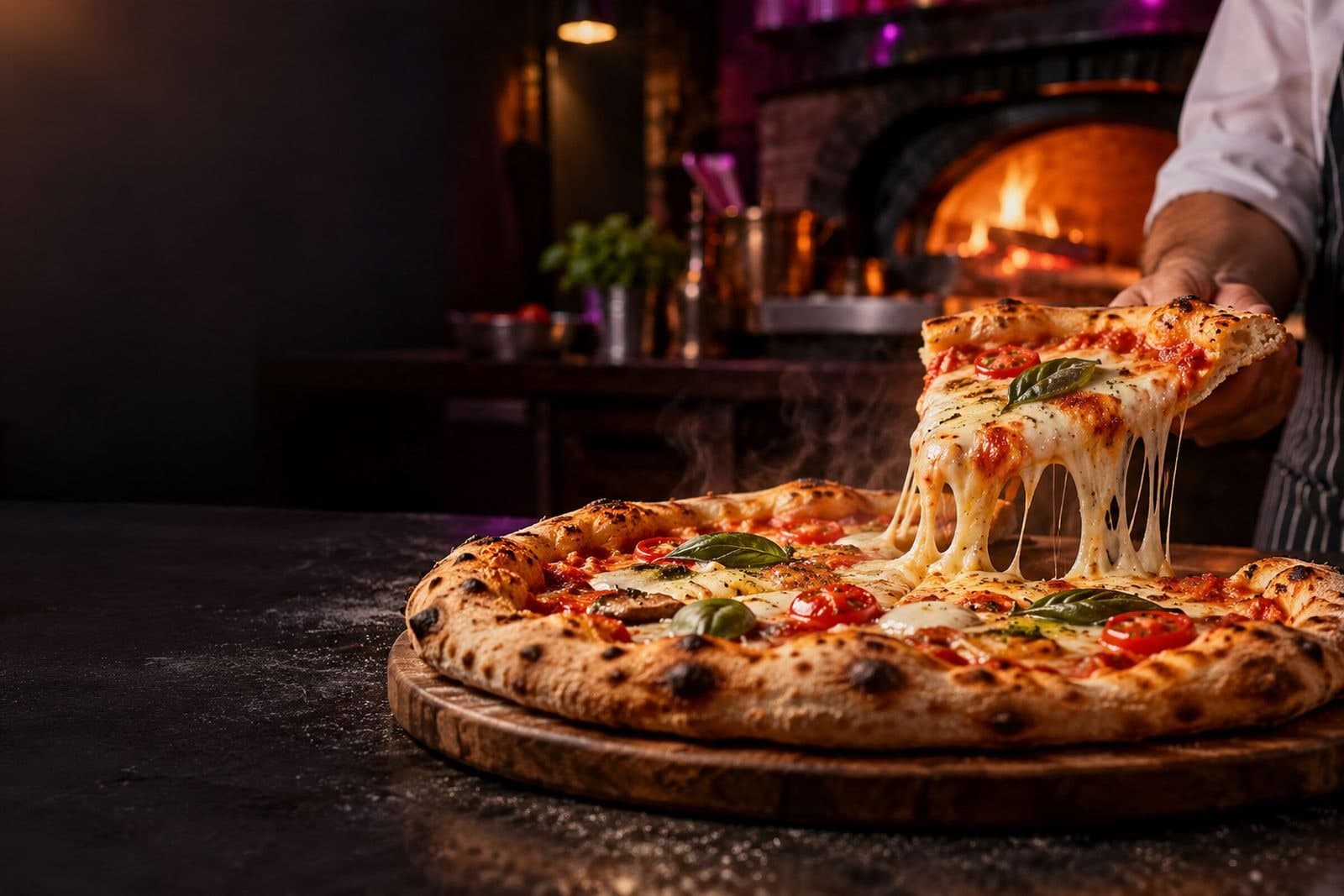

What is the portal?
Get listed
Customers find you on city, district and cuisine pages.
Your own address
Your storefront also opens at name.restoreks.com; share it, put it on a QR code.
Orders reach your till
Orders reach your POS, kitchen display and courier through the same flow.
What changes for you?
What do you get?
Listing
You're visible to the portal's customers on city and cuisine pages.
Your own storefront address
A page with your own colours at name.restoreks.com.
Order flow
POS, kitchen display, courier and live tracking for the customer, all on the same order.
Your campaigns apply on the portal
A campaign you set up in your admin panel applies the same way in your storefront and on the portal.
You can reply to reviews
You reply to a customer review from your own account.
Your own customer list
Customers who order from you land on your restaurant's customer list.
How it works
Apply
Define your restaurant and its branches.
Upload your documents
The documents required depend on your business type; you're not visible until approved.
Menu and price
Your existing menu carries over; you set your own portal price.
Go live
You go live on the portal and at name.restoreks.com.
Storefront and portal
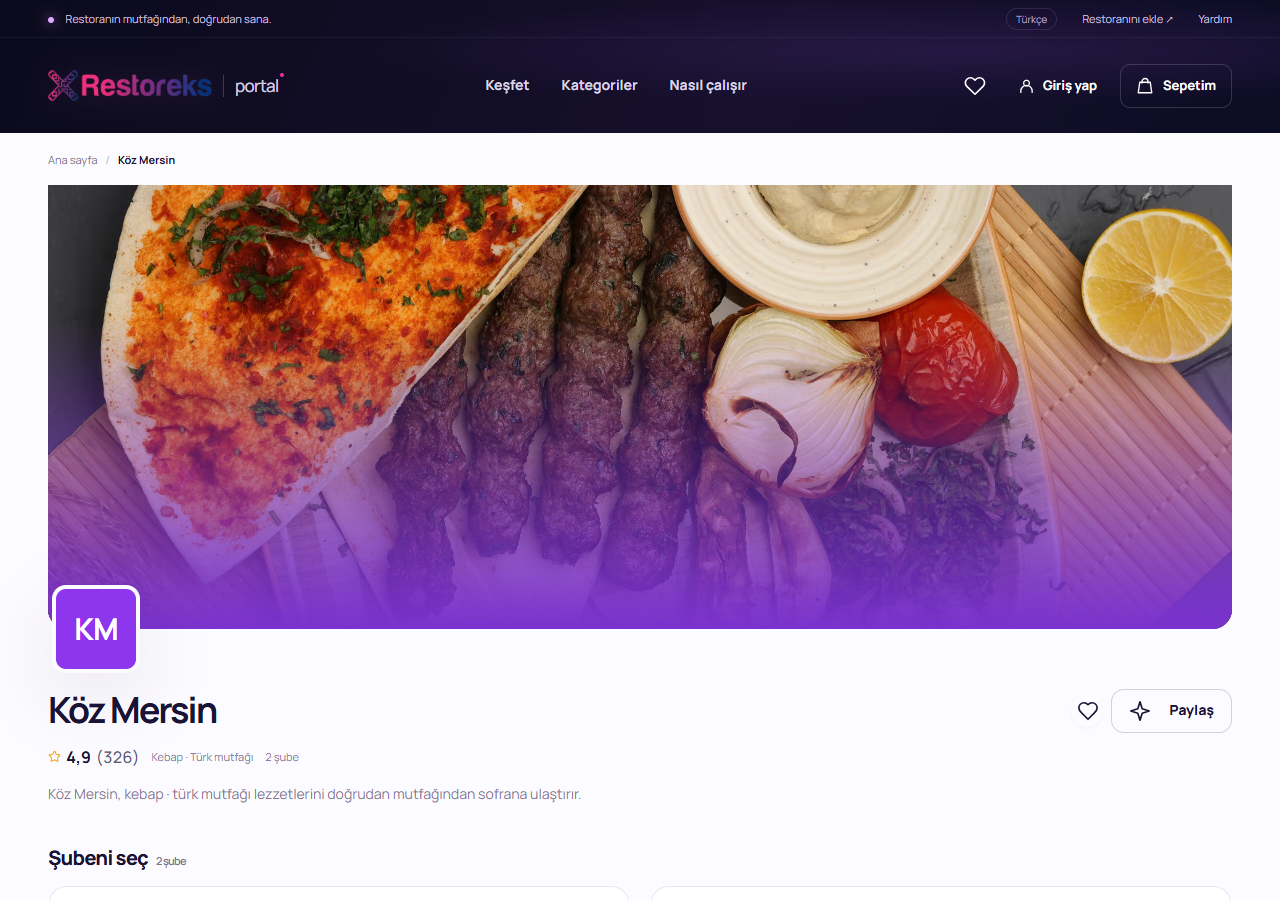
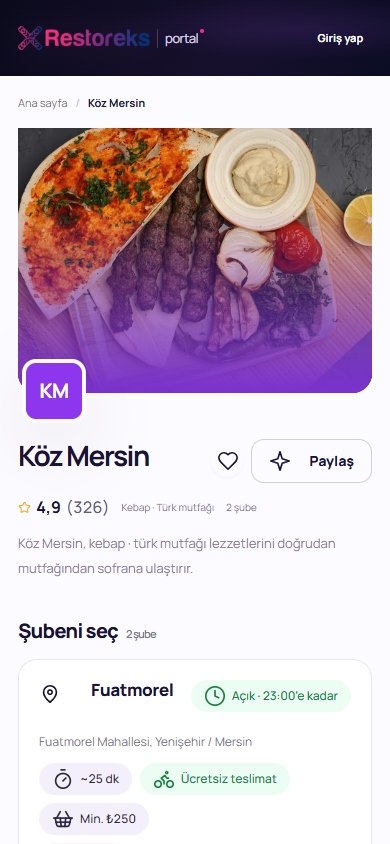
Two storefronts, one account
On the left, your restaurant page on the portal; on the right, your own storefront at name.restoreks.com.
Everything is connected
No commission. The cost is a subscription.
- An add-on to your Pro subscription.
- The portal add-on is free right now; it's added to your Pro subscription.
- Later, priced per branch listed on the portal, on a tiered scale.
- If pricing starts, you're notified at least 30 days in advance.
- Restaurants that start now get extra free time when pricing begins.
Frequently asked questions
Is there a cost?
The portal add-on is free right now; it's added to your Pro subscription. If pricing starts, you're notified in advance.
Is there a commission on orders?
No. Nothing is taken from the order; the cost runs through the subscription.
Who sets the price on the portal?
You set the price; the portal price can differ from your restaurant's own price.
Who collects the payment?
Customers pay you directly at the door, cash or card. Online payment comes later, through your own payment provider.
Can I open a storefront on my own address?
Yes. It opens at name.restoreks.com once approved by the platform.
What documents are required?
It depends on your business type; the full list is shown in your admin panel.
I have several branches — how is it priced?
Per branch listed on the portal, on a tiered scale. This is still being worked out; you're free right now.
How does this relate to my QR menu?
Same account and the same menu; the QR code is scanned at the table, the portal is for delivery and pickup orders.
Add your restaurant today
A restaurant with Restoreks Pro opens "Customer portal" from its panel; a new restaurant signs up directly.
An authorised person's ID and the document required for your business type.
Under distance-selling rules, the seller's registered name, address, tax and MERSIS details are shown at checkout.